
Building 45 Part 3: Server Research and Wiring
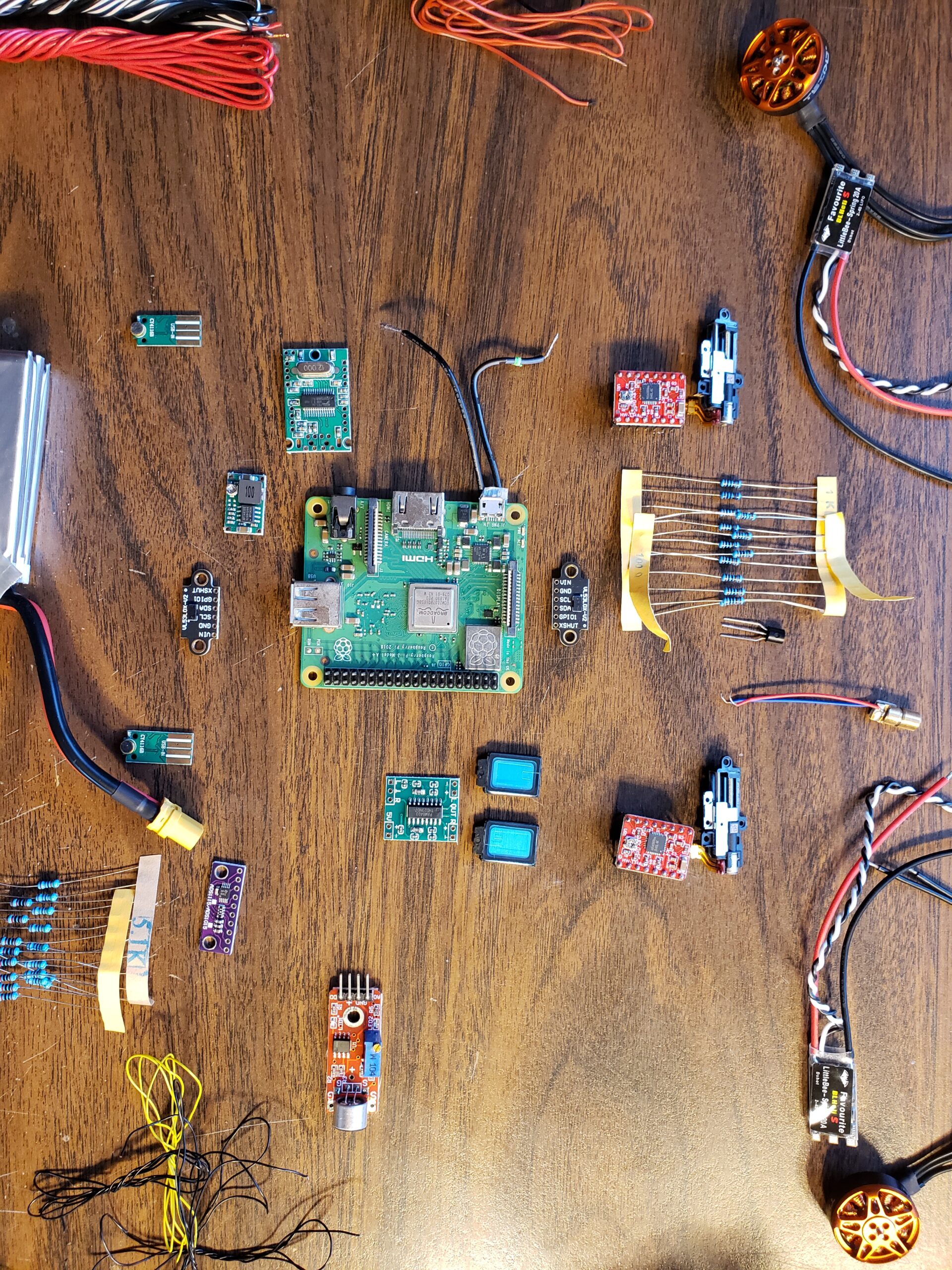
Batteries Not Included
My original plan was too ambitious for an April demo
If spring break lasted forever then I wouldn’t have any issues completing this project on time. I’m happy with my progress so far but I’m not a miracle worker. This project demands a lot of time that school is also competing for. My requirements for the demo are:
1. Speech to Speech must be working (ideally with minimal delay)
2. 45 must be built and be able to connect to my server. (tethered flight hopefully but not required)
Adding the batteries will just increase the noise output and won’t really add much to the demo. I think my time is better spent working on getting the rest of the systems working. This project is hard enough!
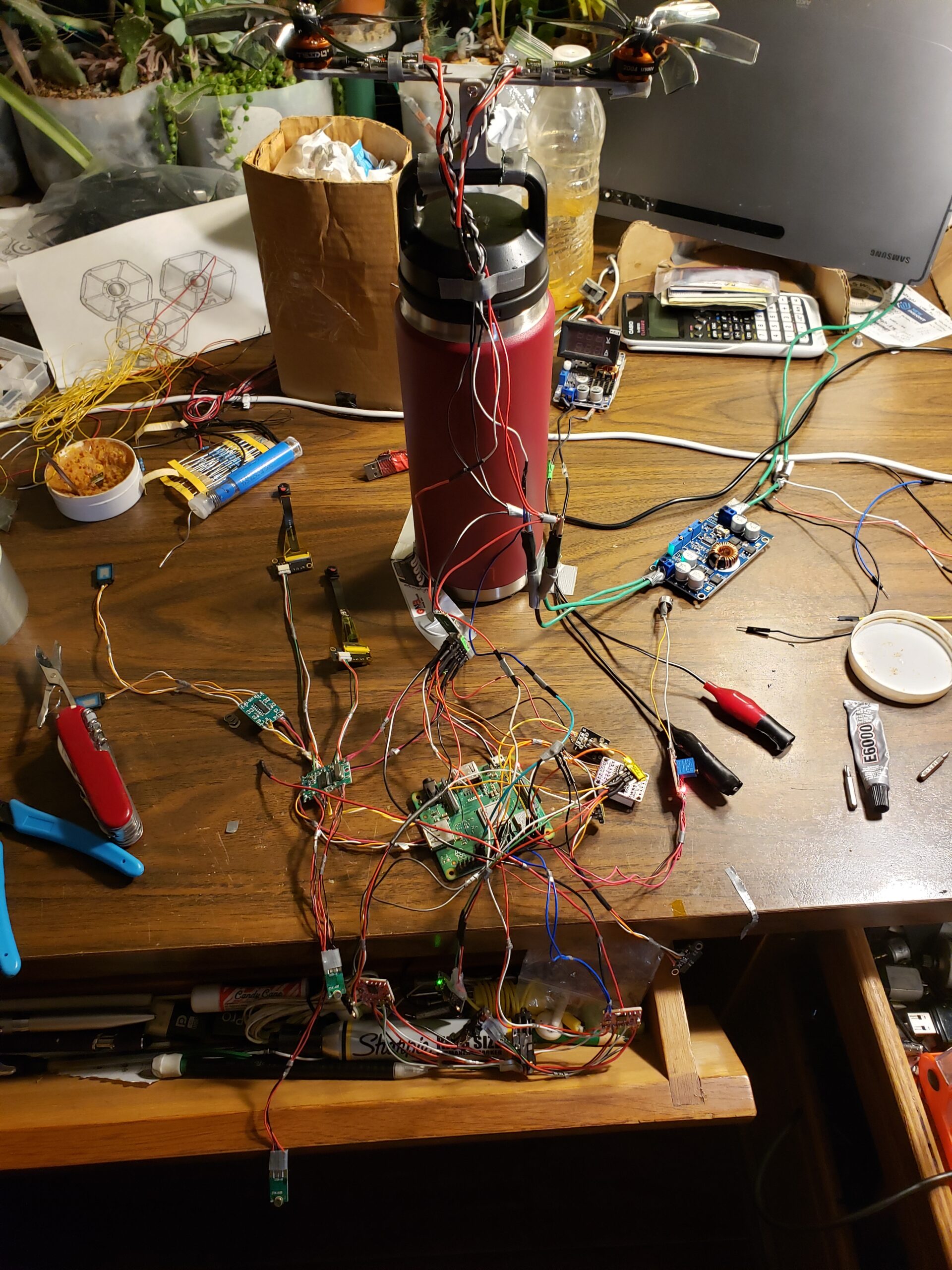
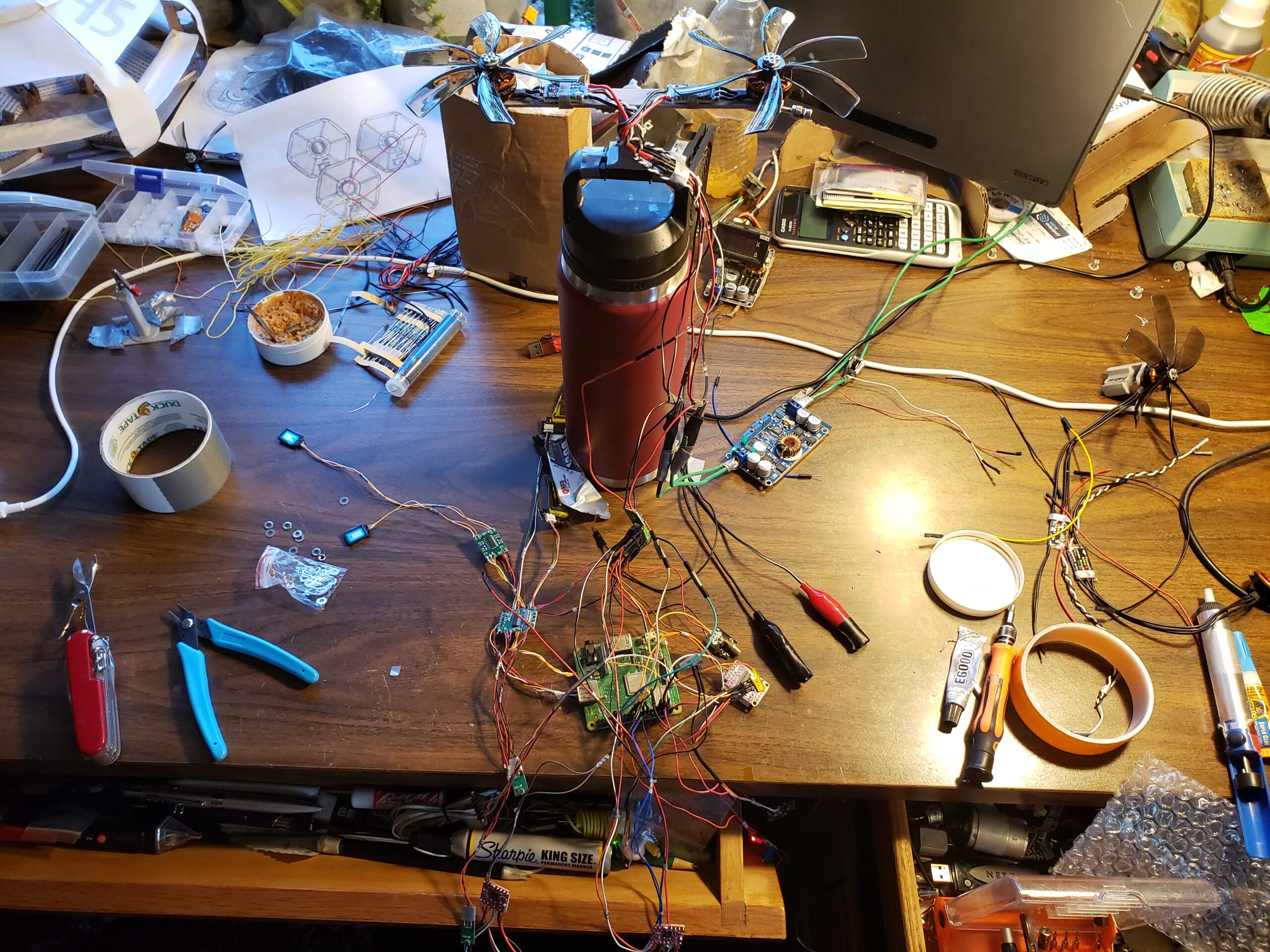
Completed Wiring
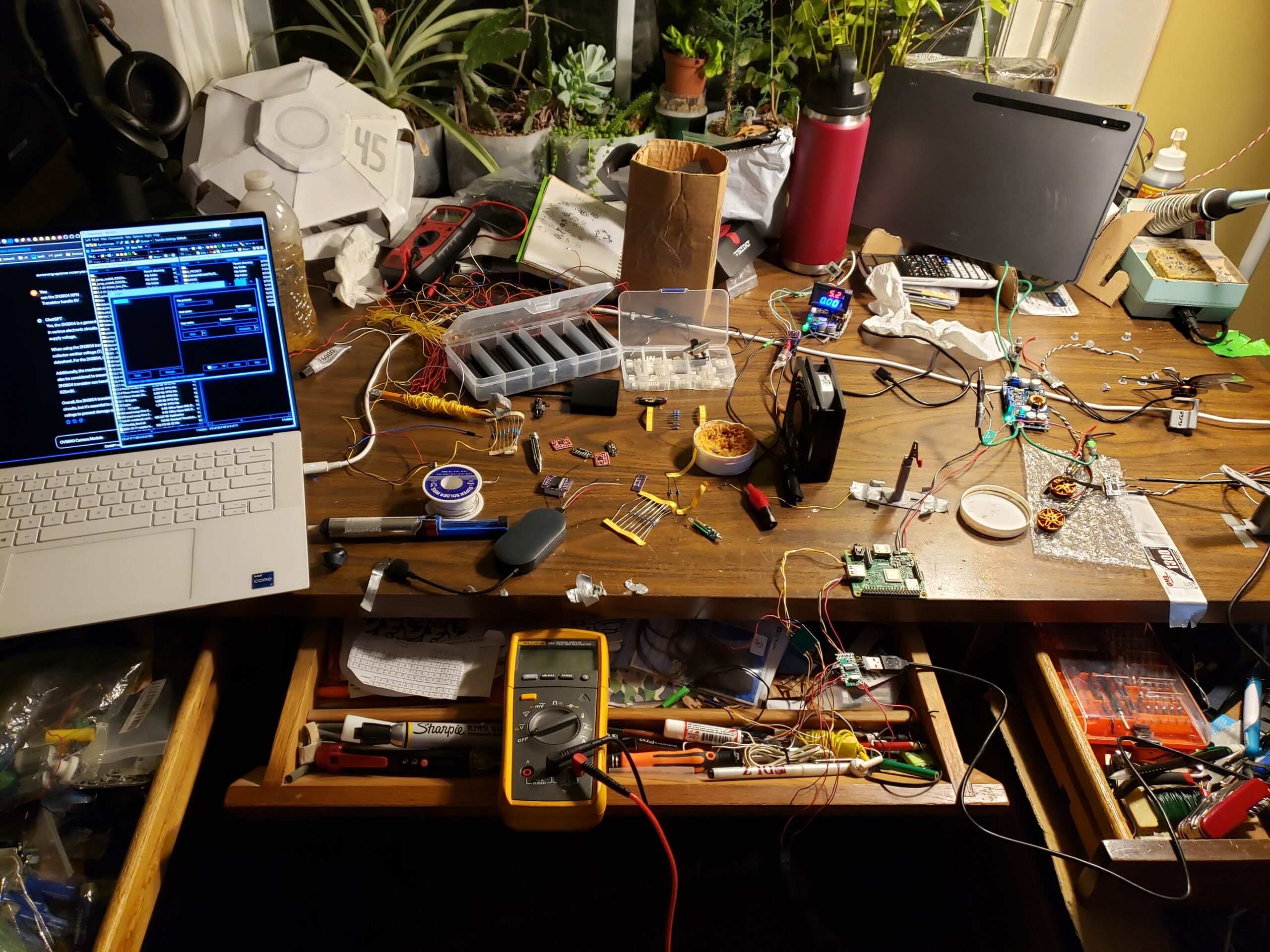
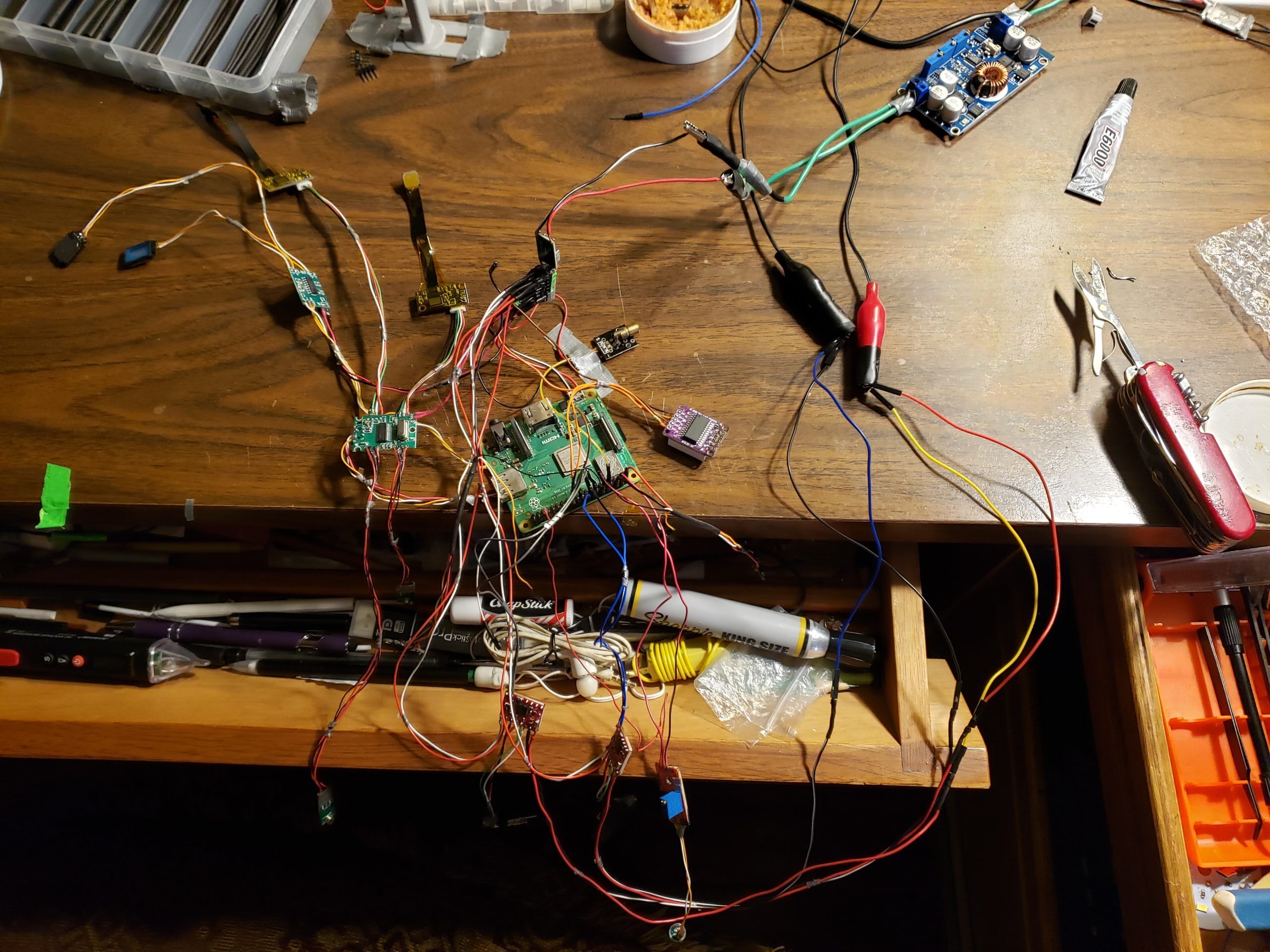
Lots of Angry Spaghetti!
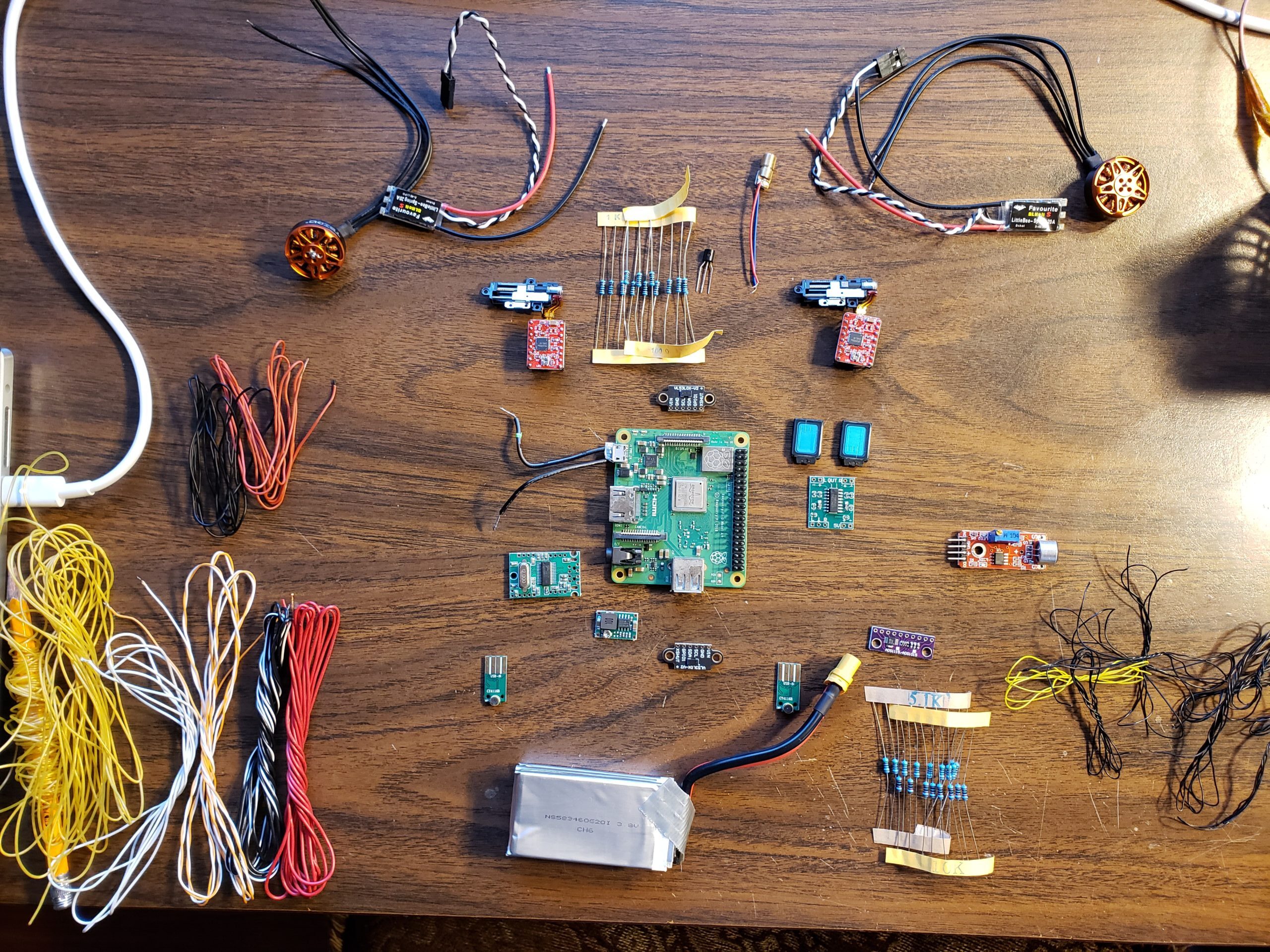
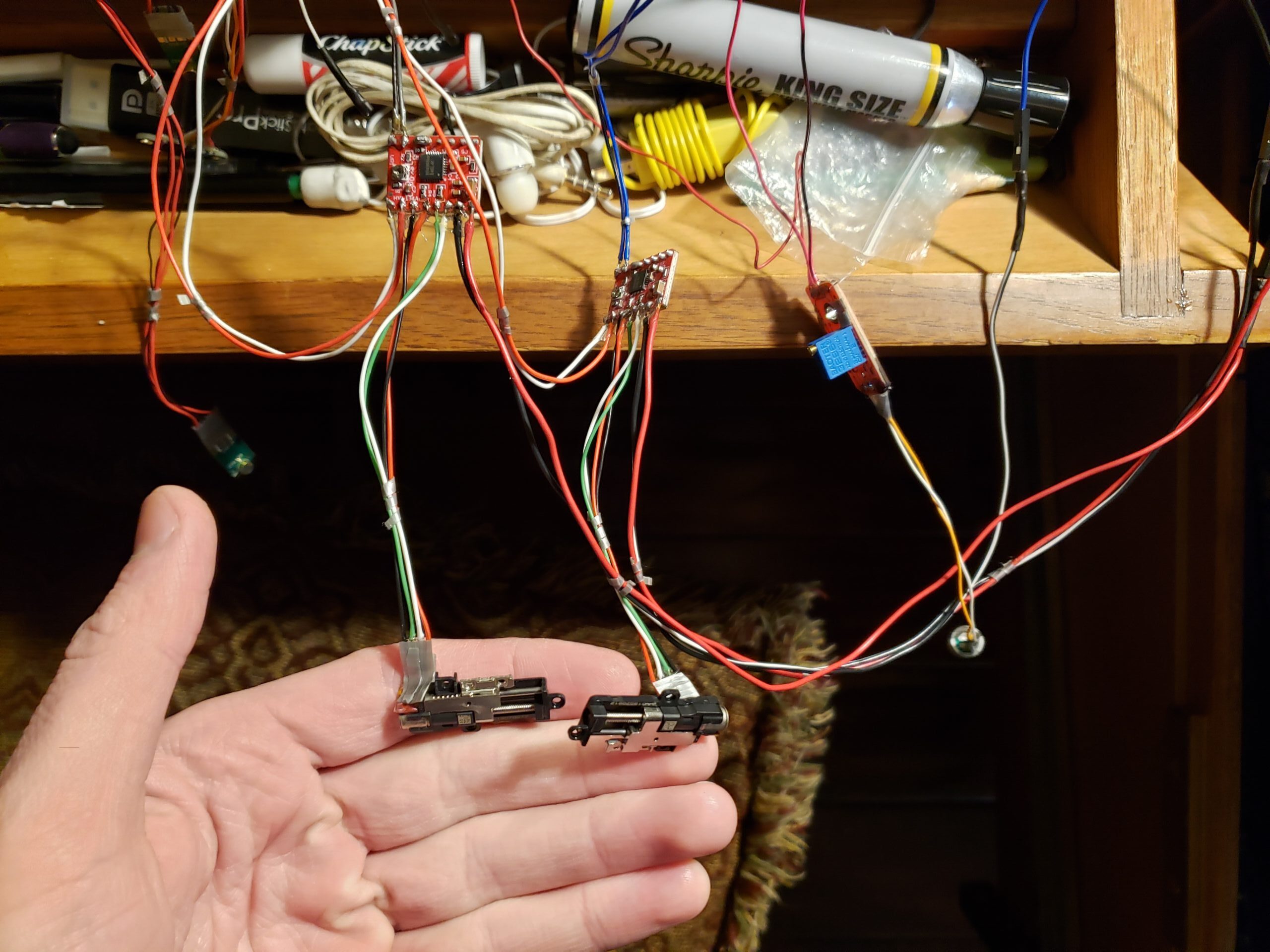
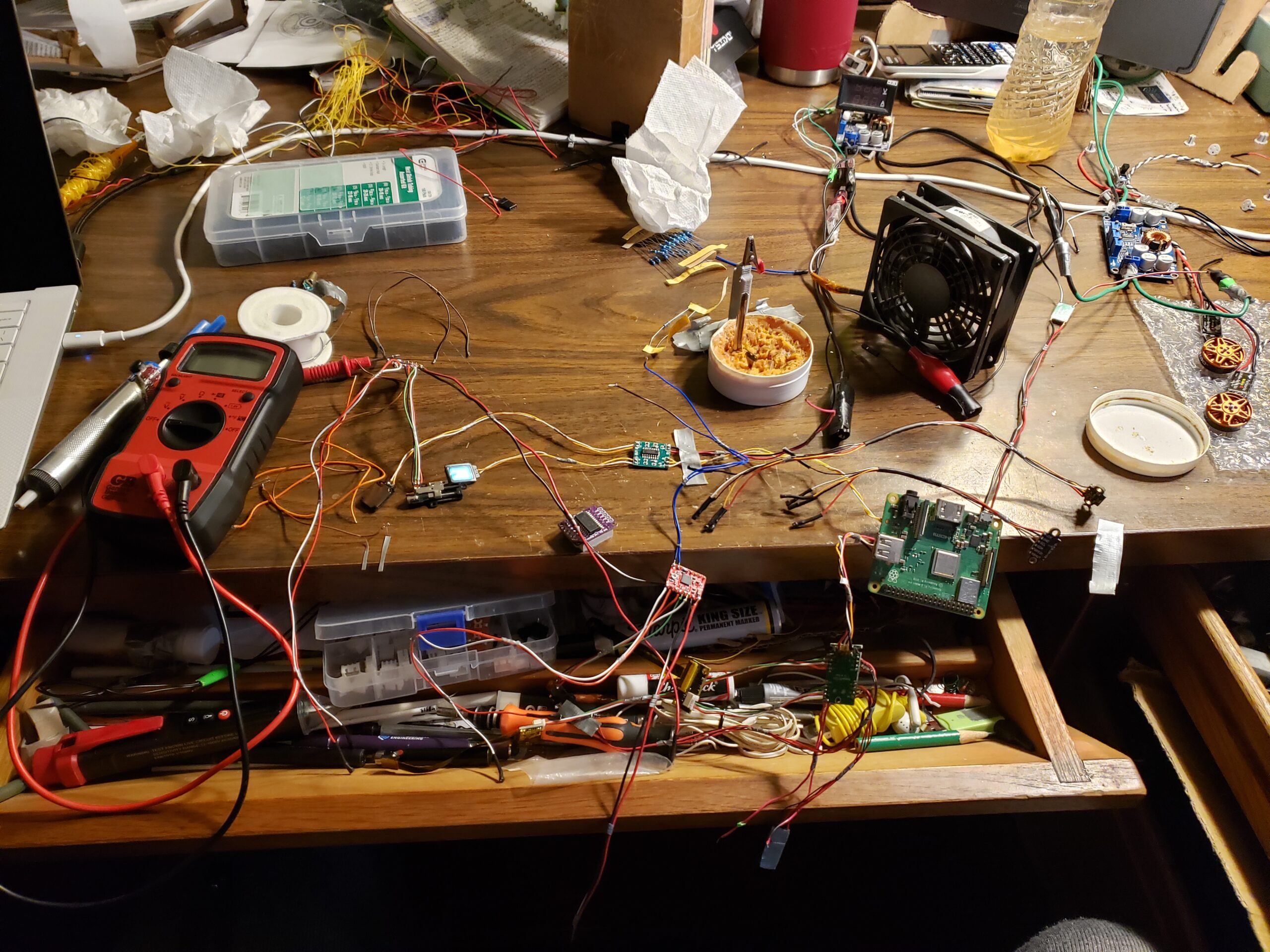
The wiring was a very involved and tedious process. I choose to use pin headers to connect everything because I knew the first prototype would probably have issues. I had to add a connector to every wire then shield it with heat shrink tubing which took forever. I did need to change some things around so this ended up being helpful. It increases the weight a little bit too so there are tradeoffs.
I wired the ESCs first and this was a good thing. I thought the black control wire from the ESC was for the common ground. Turns out 5V was supplied between the back control wire and the white control wire for some reason. The raspberry pi’s pins aren’t 5V tolerant so the two pins I connected are now burnt out. The rest of the pins still work thankfully so this was only a minor setback. I needed to leave the back wire floating.
There were so many connections involved that I ended up using up all the solder I had. Thankfully it was just a quick trip to get more.
Issues Around Every Corner
Almost all the components I used had issues
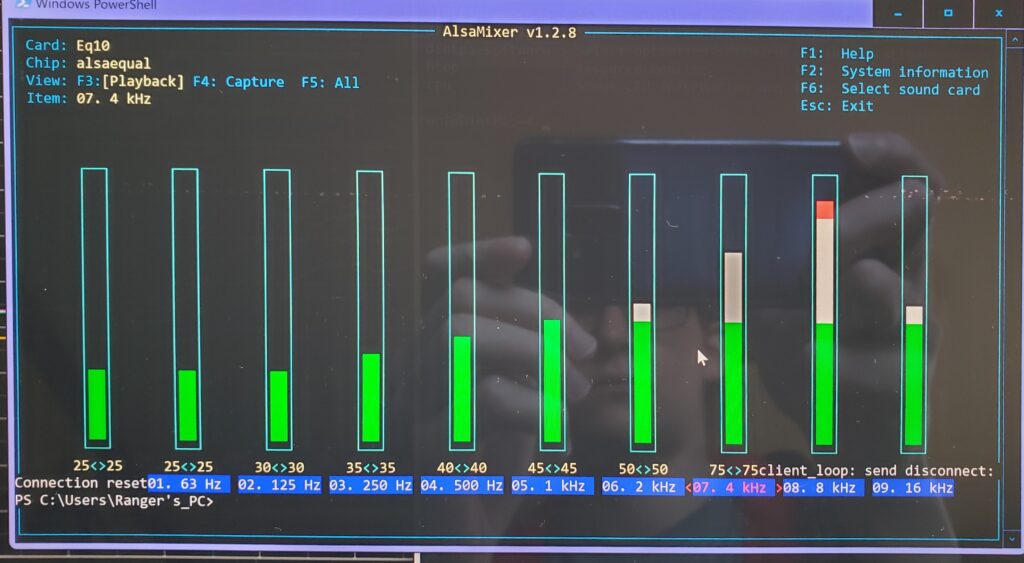
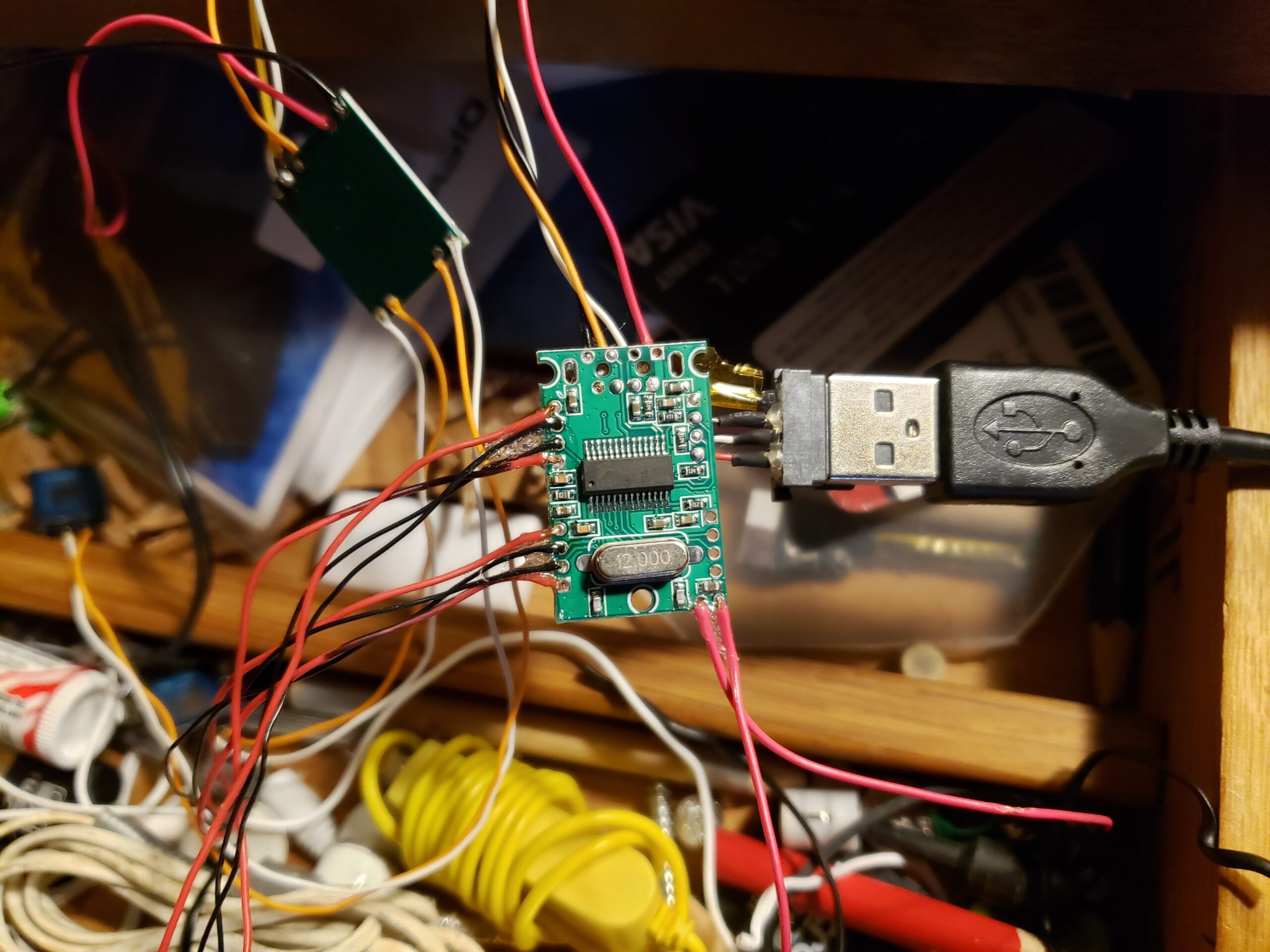
I won’t go over the struggles I had with each component as that would take all day. I’ll just give the example of how I got the speakers working. I wanted to use the “Raspberry Pi Zero 2W” because it is lighter but I decided to stick with the “3 A+” I already had. My pi has a built in 3.5mm headphone jack which made it easy to get audio out. That audio turned out to be very noisy though. It might be an issue with my setup but online I hear that the Pi’s audio output isn’t the best. I’ll probably switch to the pi zero with a I2C audio amp for the next model because that has better quality.
I don’t have time to wait on new parts so I tried to make the best of it. I looked online to find the typical frequency response of smartphone loudspeakers. I then used a built in tool, “AlsaMixer”, to match the frequencies as close as I could. I wanted the maximum volume in each frequency band before the speakers toped out.
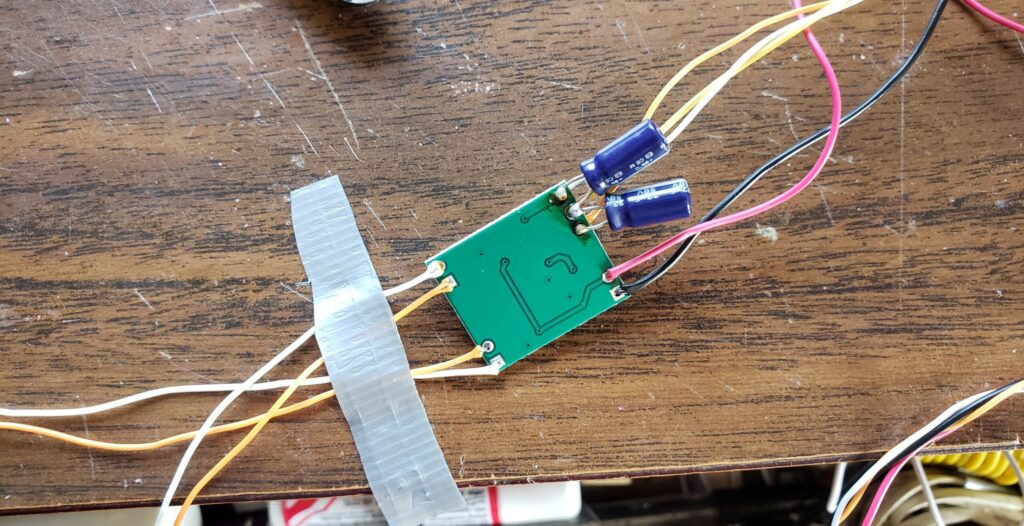
There was also a constant buzz from the Pi’s output that would only go away when I shut the Pi down. I found that I could correct this by adding filtering caps to the left and right channel. This made the buzz go away but limited the volume. Without the caps the output was much louder. I’ll continue to look into this but I did this week’s demo without them.
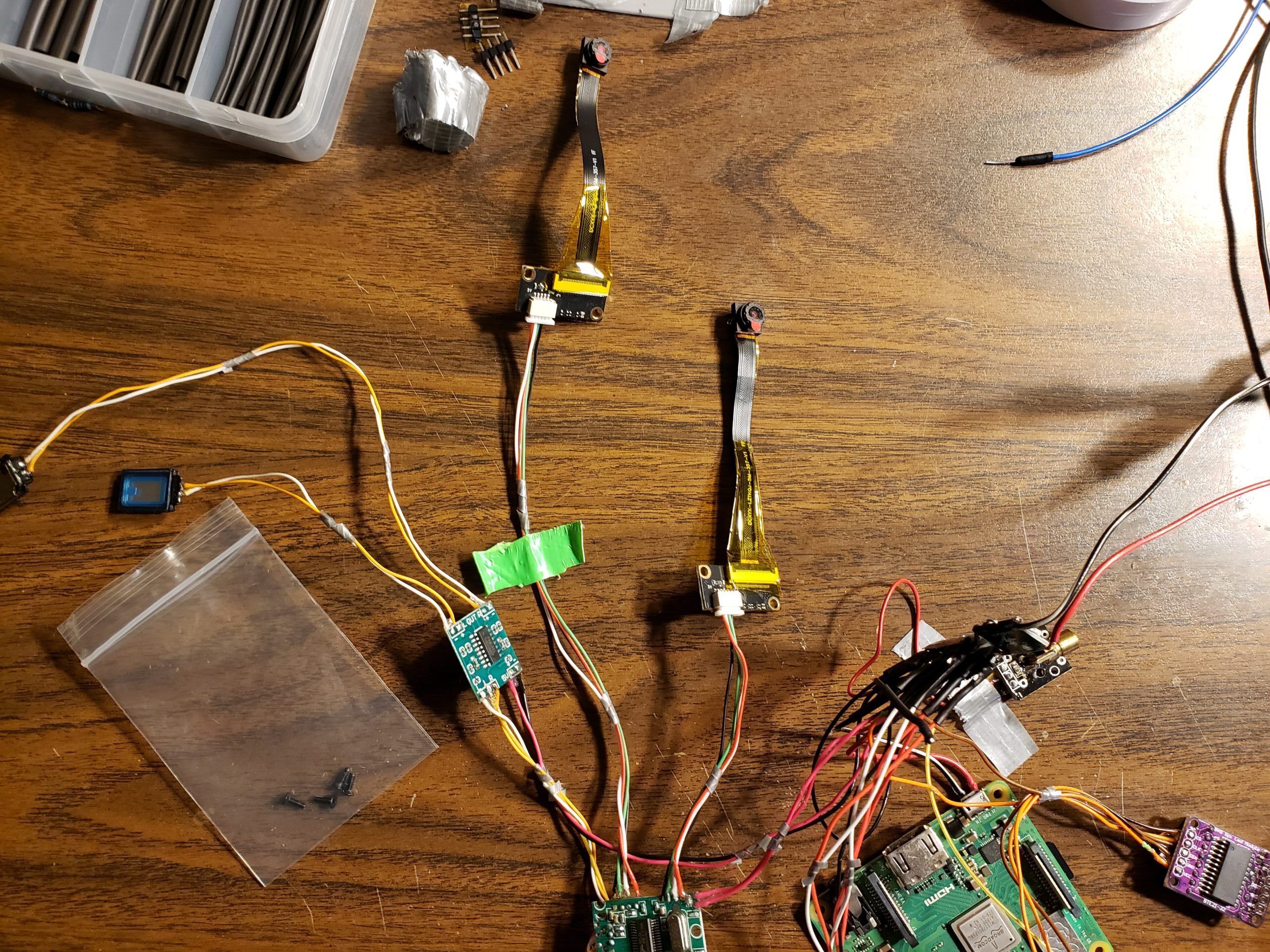
Cameras are Working too!
I don’t show it in my demo because they won’t be ready for the April presentation
I got the cameras working just for my piece of mind. They were one of the most expensive components in 45’s build (ignoring the server of course!). It should be pretty easy to use OpenCV and python to triangulate distances which will help it hold position. I’ll just use one of the cameras for the AI biased sight using Moondream1 later on. They are fixed focus so the quality isn’t the best but they work.

Drone Control Loop Demo
I just wanted to demo all the parts working to see how difficult this would be to fully program
The full demo is in the video below. Afterword I realized that I should’ve just spoken directly into the microphone from a single distance as this results in better output quality. I also should’ve kept the filtering capacitors on the raspberry pi’s output because this reduces the high peaks shown in the demo. Lastly I didn’t tape the speakers down to limit vibrations. In testing later I found that using tape to limit vibrations greatly improved the output quality. There is still lots of work to be done but this is a good start.
Plans to Build the New ML Server
Machine Learning is very demanding so that is where most of the budget went
This setup optimizes for performance-per-dollar and not much else. I’m primary focused on inference because I need the chatbot to be useful in conversation. The P40s in my server right now are fast enough to run even the larger 13B models at 30 tokens/second which is nearly instant for smaller prompts. The issues come in when you add the speech-to-text (stt) and text-to-speech (tts) into the mix. I needed to run “Faster Whisper” if I wanted anything near to conversation speed. This required a newer GPU with Tensor cores even though my P40’s would’ve been up to the task otherwise.
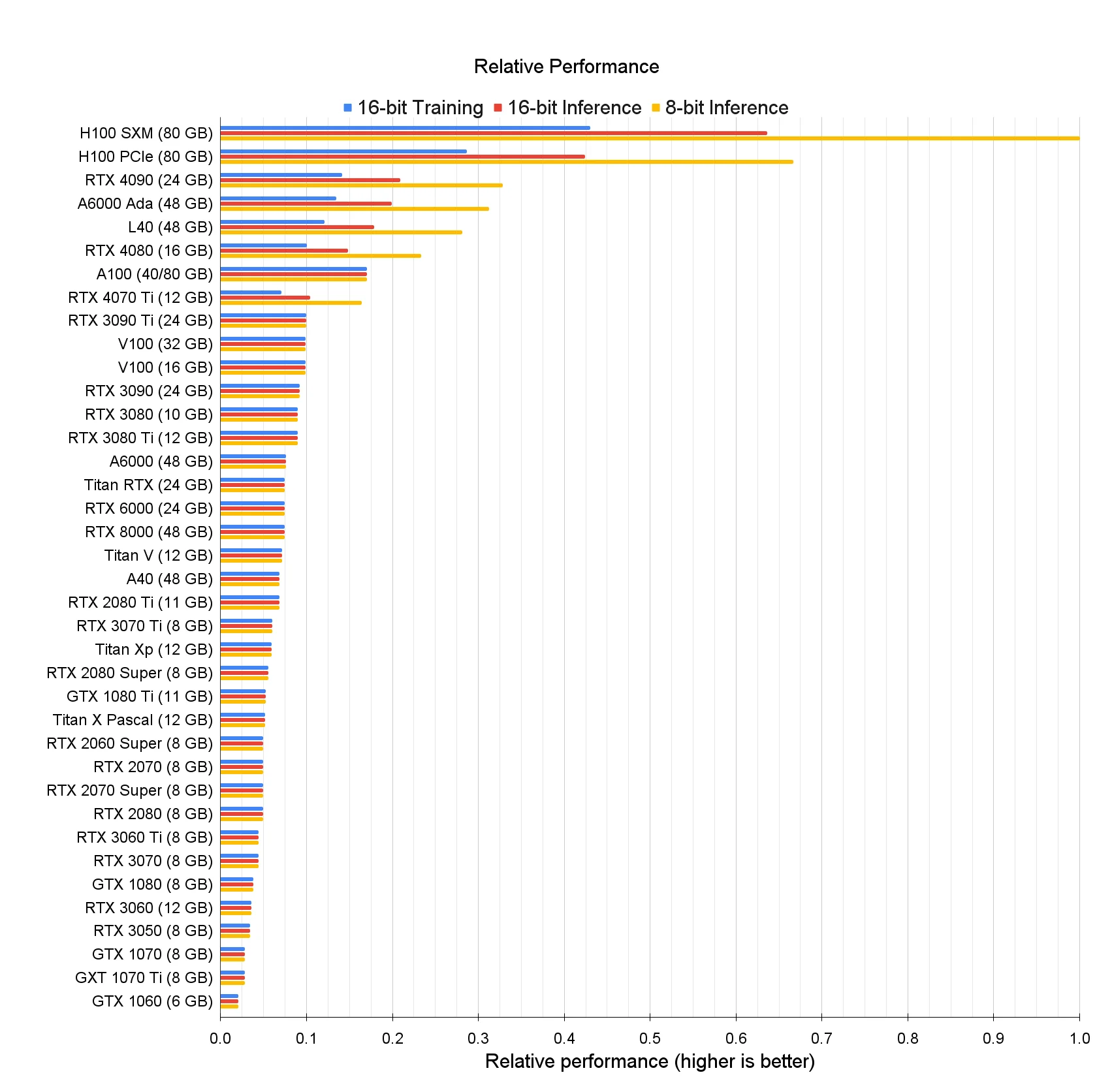
I did a bunch of research and was considering upgrading to a V100 GPU. ChatGTP 3 was trained on multiple datacenter’s worth of these. My search finally came to an end when I found the chart below. The RTX 4090 is the best GPU I could actually use but they are absurdly expensive. I instead opted for an RTX 4080 as its performance would be plenty for my project.
Full server budget including previous purchases and salvage value
New ML Server Design
Above is the general layout of the new server, much of the complexity is hidden for readability
Somewhere in my project gallery I show the custom power supply I made for the pre-R720 server. This power supply worked but the project ended up failing due to CPU compatibility issues. Buying the R720 was me waving the white flag but it ended up being a very good move. I learned so much from that server and this project wouldn’t be possible without it. All that to say that I’m sure I can figure out how to rig power to all these expensive components. Overall I’ll be well under the power cap for both of these supplies and there aren’t any complex voltage rails to deal with. I’ll have a common ground and I’ll link the switches together to ensure they power on at the same time. I’m more worried about the time constraint then the power delivery.
4080 GPU = 320W
2xP40 GPUs = 500W
=820W/1100W = 75% capacity at Max (probably impossible) Load
TR 1950X CPU = 180W
MB/RAM/etc. = ~100W
=280W/400W = 70% capacity
I chose to make it an open air system so I didn’t need to buy a case. It will go in the same “rack” I had for the R720 so it should be well protected. It will be $2000 worth of hardware mounted to a piece of plywood I pull out of my backyard. That’s a conversation starter for sure. It is meant to be the most possible performance I can get for my budget.
To do after Spring Break
My time is going to be more limited but I’ll keep at it!
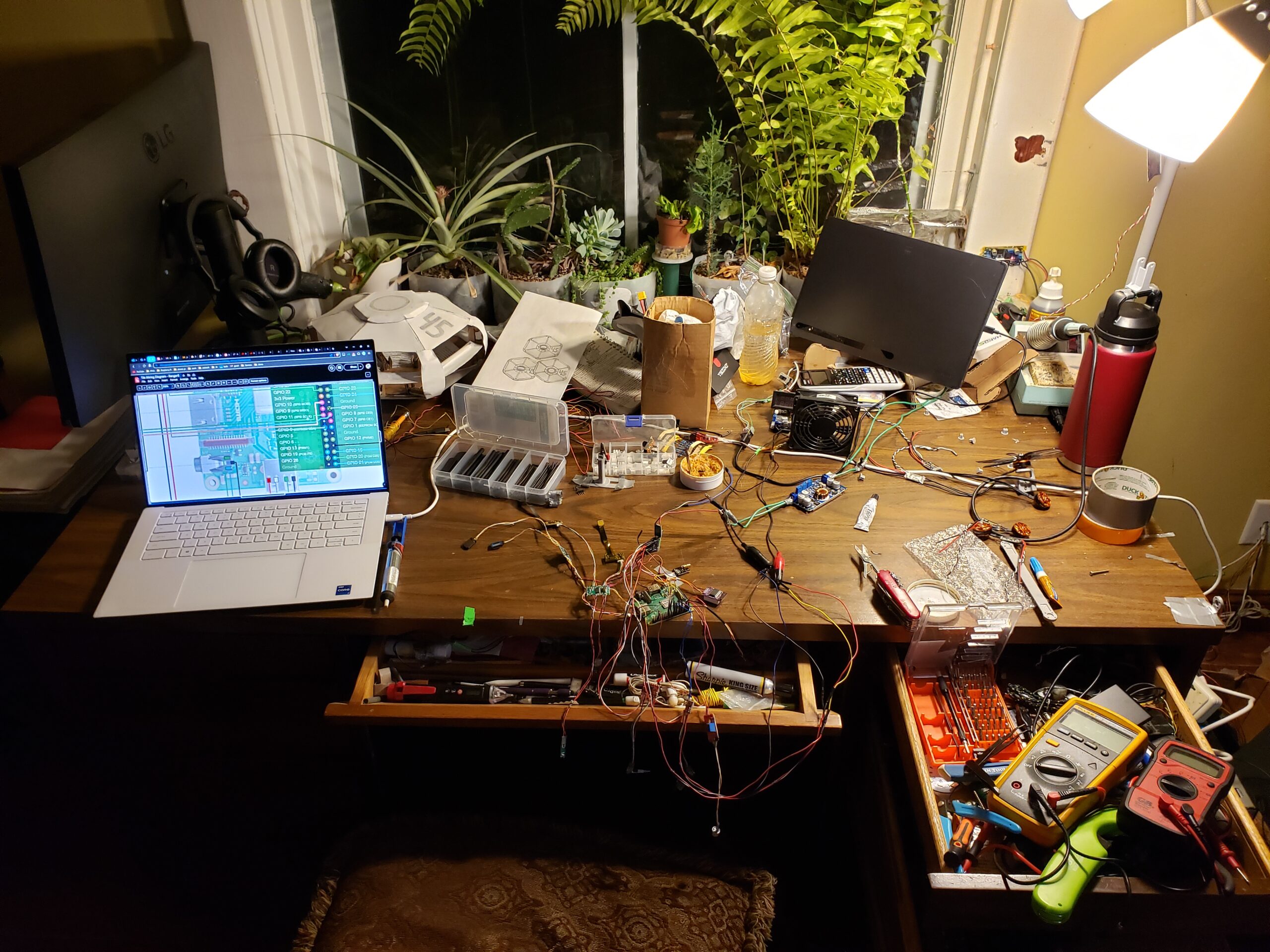
The CAD model has priority in the coming week. Both my mockup and my drawing are 1:1 with the final build so they should make the modeling process easier. Getting the spaghetti mess of wires into the shell is going to take some time too. I’ll need to get the drone stable before running it in the full enclosure to avoid damaging anything.
First I’ll complete the CAD model. While I’m 3D printing the parts I’ll work on making the drone stable with the MPU6050 gyroscope. If time allows, I’ll assemble the shell and install the circuity. I will admit that this is probably too ambitious because I’ll just have the afternoons to work on the project but I’ll try my hardest.
Big challenges coming up are:
- Designing and building the Tile physically
- Soldering the custom matrix display
- Building and setting up the server
- Getting the wiring into the shell and neat
- Getting the three AI models to work together (stt -> chatbot -> tts)
- Tying everything together with a program on the RPi
A Quick Bonus Demo Too!
The microphone output doesn’t come out well on camera but it definitely sounds better then the last demo
“If spring break lasted forever then I wouldn’t have any issues completing this project on time. ” Okay, that was funny!
This is all great. The noise issue might just be ground related. We can discuss your powering of everything to know more.
Great stuff!