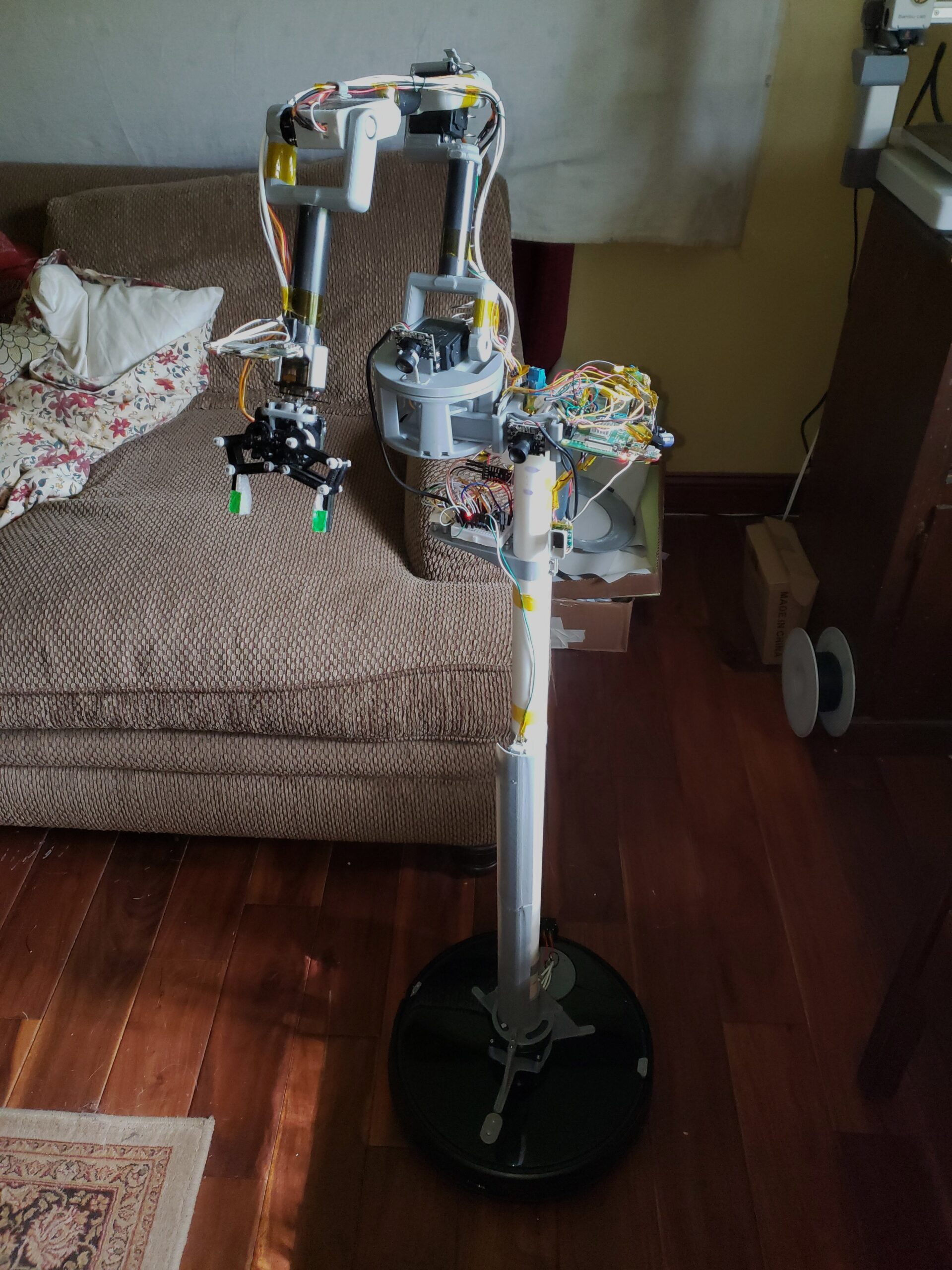
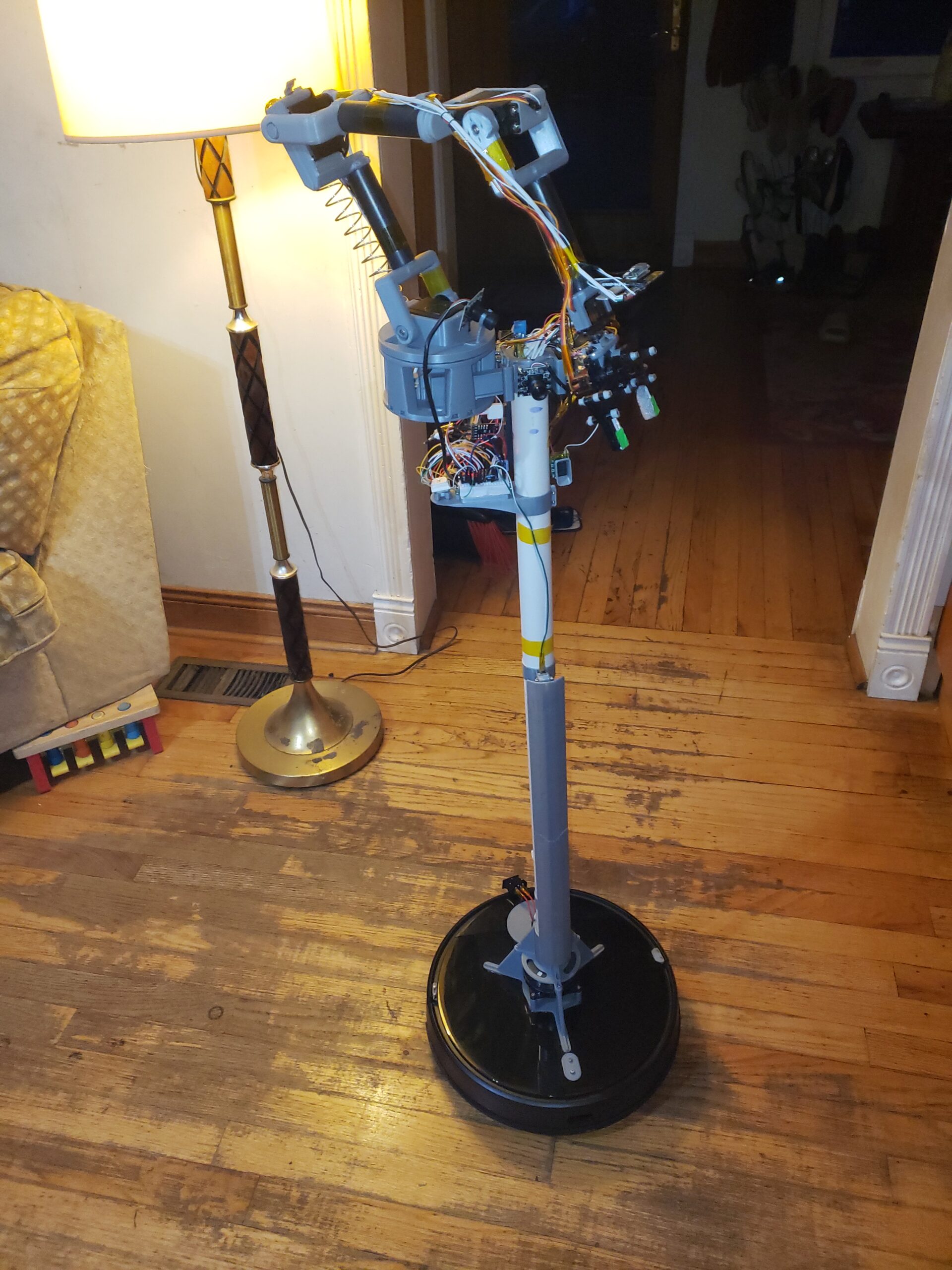
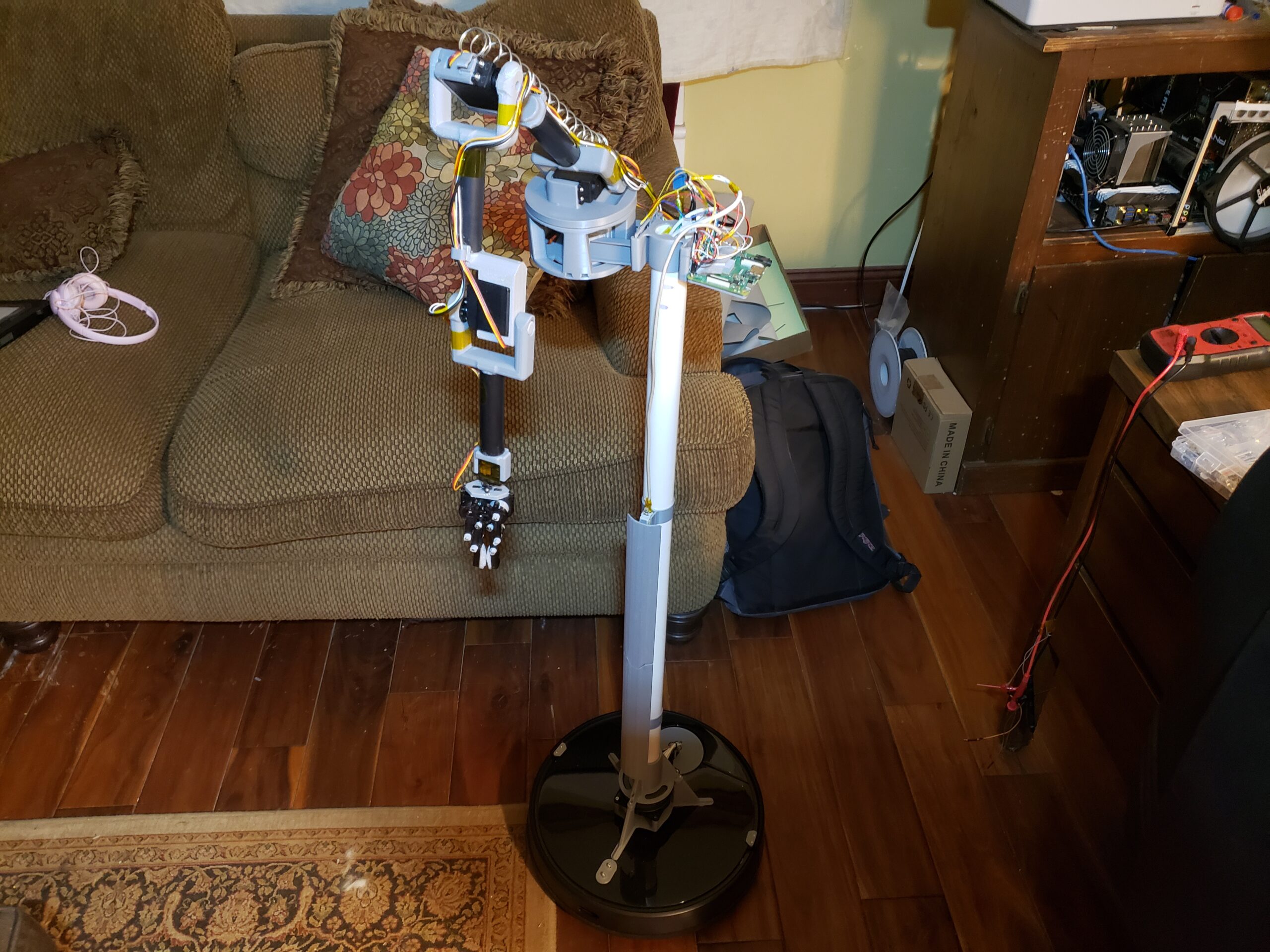
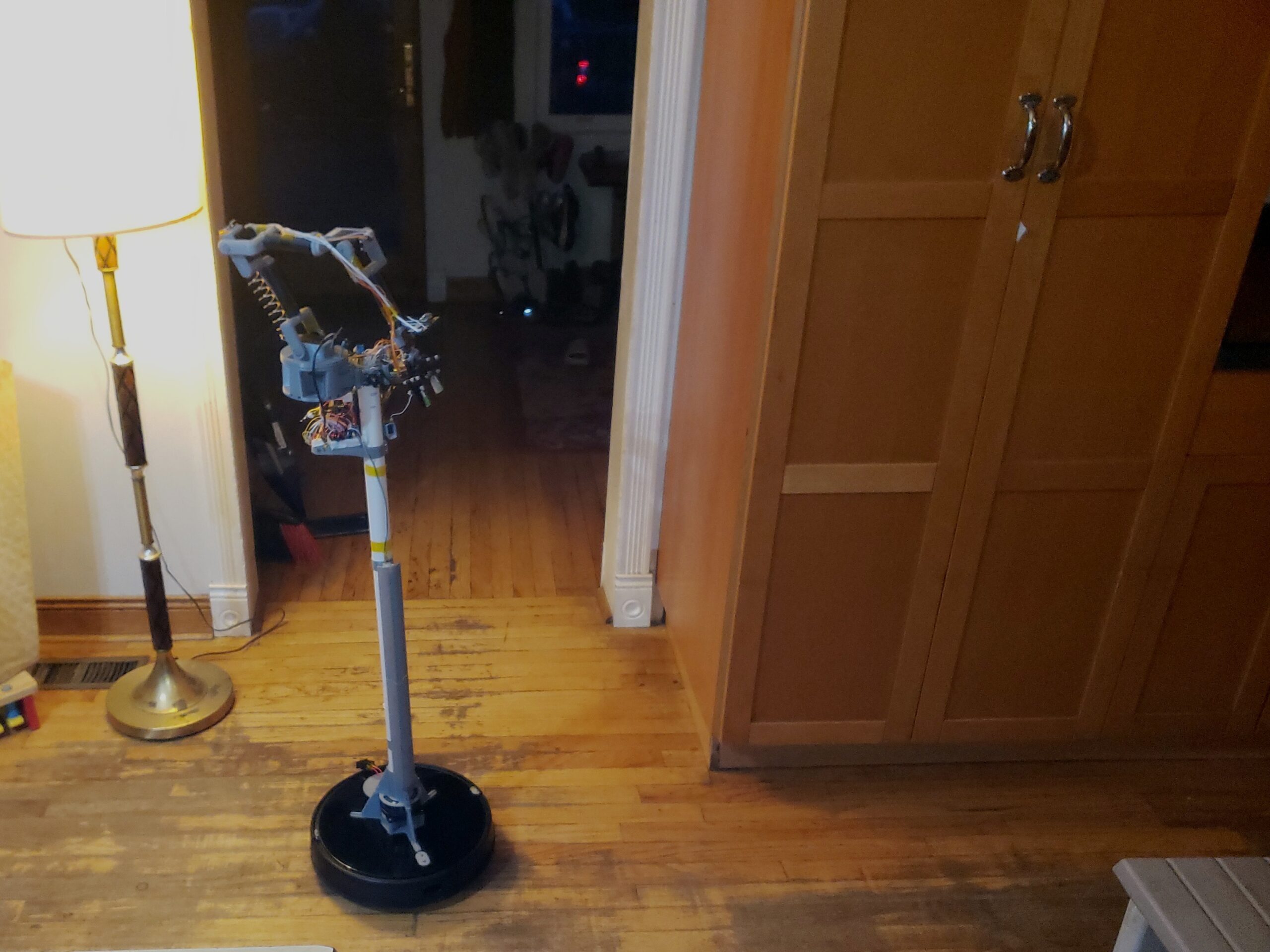
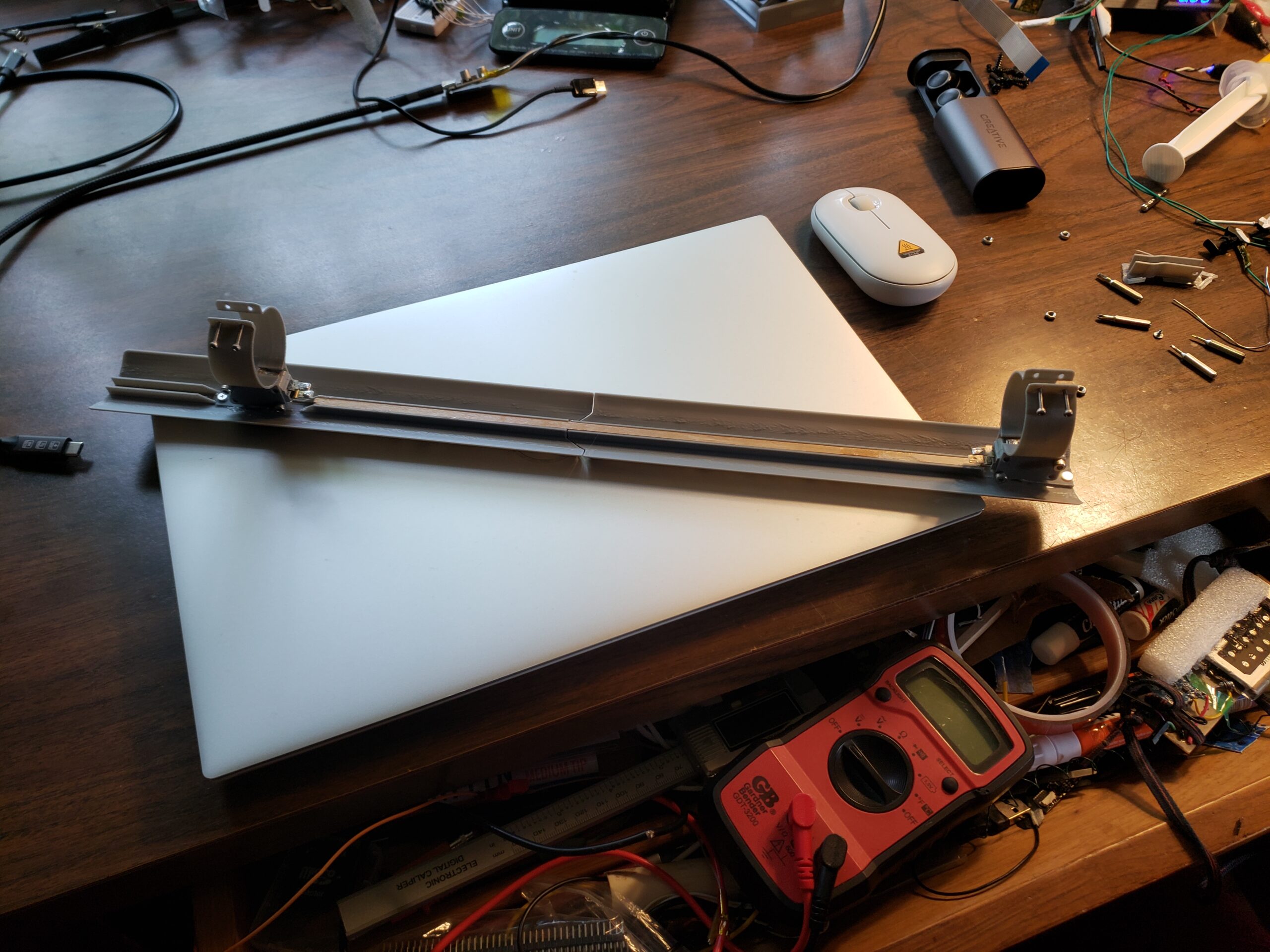
This post is an overview of my struggle to build and program this mobile manipulator platform. It started as a fun side project like most of my ideas but it quickly became a large time sink. It was supposed to be easy because I planned to use the built in navigation/mapping capability that came with the robot. I eventually decided to try to reimplement the navigation from scratch to better suit my needs. The robot vacuum’s navigation required interacting with an android app and you could only direct it to a rough location by drawing a “spot clean” rectangle on the map and canceling it when the robot got there. I also struggled the wire the third bumper into the existing system which was required for anything higher then 4″ off the ground. In hindsight, the built in system’s issues probably would’ve been easier to solve but instead I got to learn about ROS2 and lidar modules!
Hacking The Robot
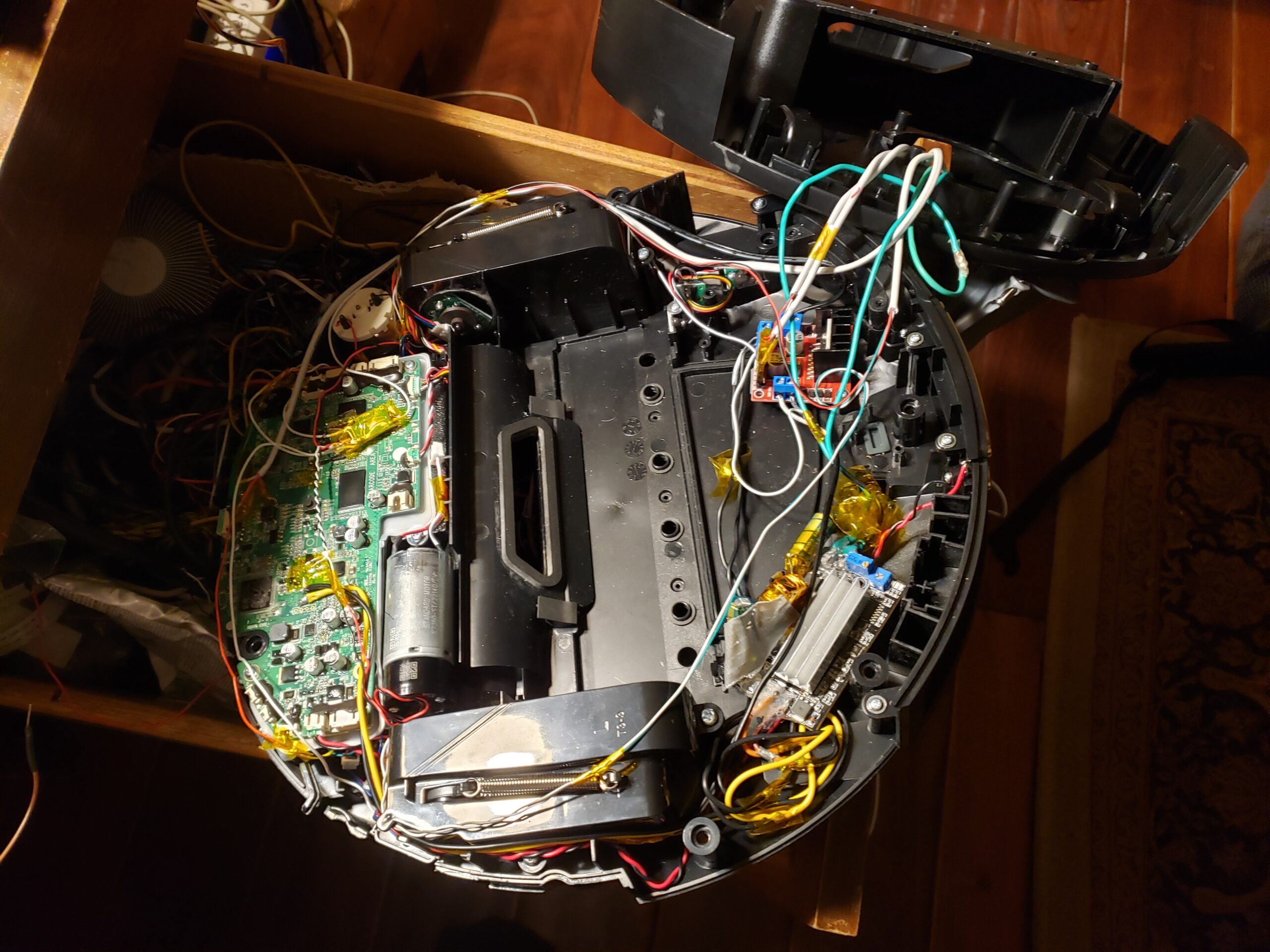
An epoxy covered motherboard and long cable runs
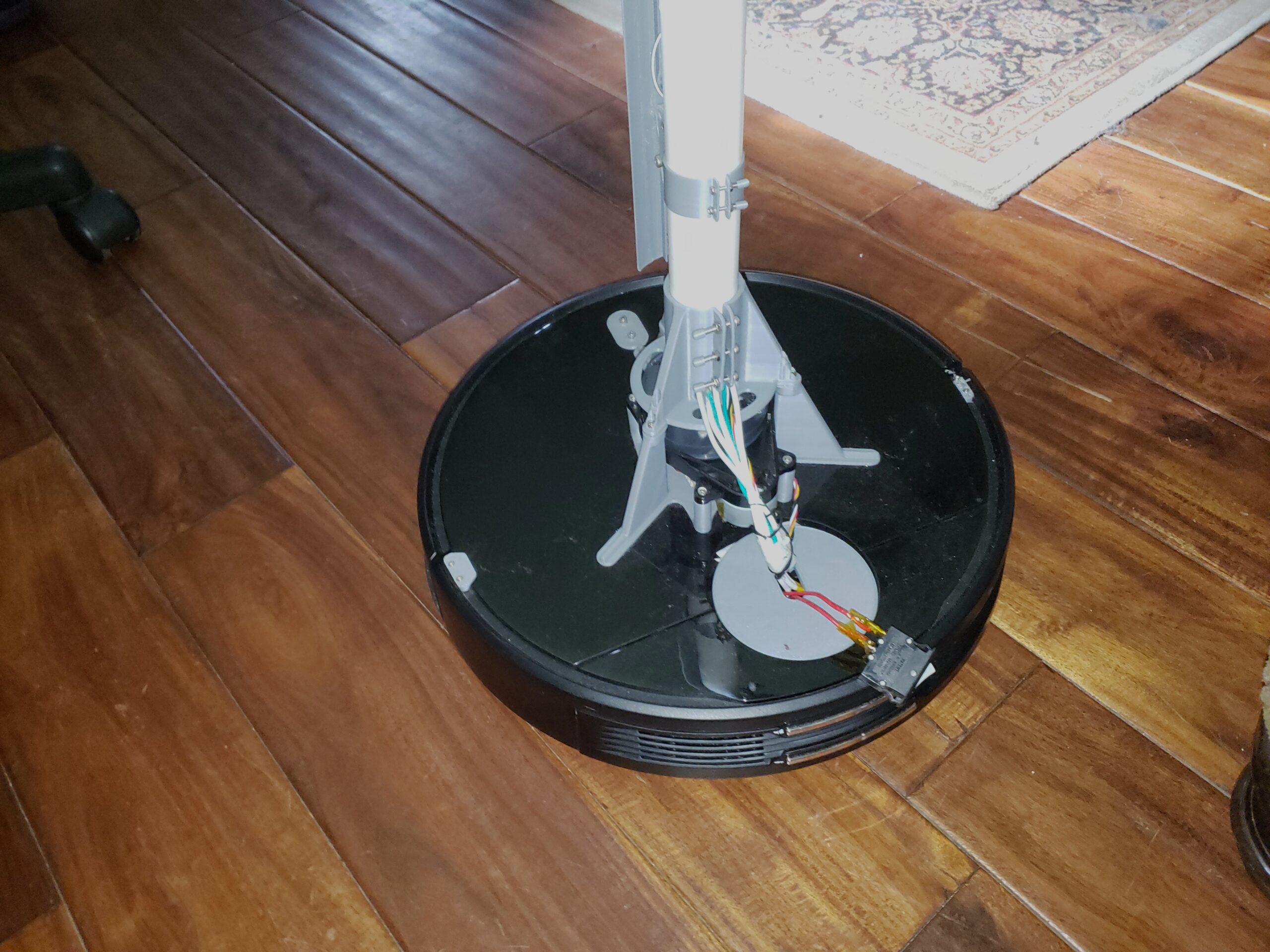
This led me down the rabbit hole of adding a ton of hardware to the robot to re-implement the features of the vacuum. I removed the vacuum motor and wired in a new motor driver for the wheels. I connected wires to the bumpers and added a third larger bumper. I moved the lidar module to a higher position where the PVC pipe wouldn’t get in the way. I ran all these power and (shielded) signal wires together up the pipe to the arm and raspberry pi at the top. The Pi drives the motors, reads the encoders, reads the lidar serial output, streams the camera output and ultimately connects to my AI control server. I eventually ran out of GPIO so I added and Arduino clone to control the arm with uart. I had enough pins to add a wire to the potentiometers in the servos for actual position feedback.
Bluetooth ESP32 Robot Controller?
Another of this project’s many time sinks
I spent much longer then I should’ve implementing manual robot control methods. The Pi is headless so I was depending on AI written web interfaces to allow me to input servo angles and drive commands. I quickly built an interface with sliders and buttons for controlling the robot but I wanted something more intuitive. I built a custom esp32 Bluetooth game pad that had 6 pots in the same configuration as the arm and a joystick for driving the robot. This worked alright but I struggled to get the calibration right between the arm’s limited range and the range of the pots. I soon shifted focus to the automated navigation.
ROS2 Time!
I was reluctant to use ROS because of the learning curve (and I had to reinstall everything)
I then moved on to trying out ROS2. I figured out that the lidar module was a “delta-2A” and I was able to find a reference ROS2 node online. I tested it and was able to get good data out of the module. Ultimately it was a great struggle to get Nav2 working on my headless setup and I could never get a proper map made. I got far enough that ROS2 was starting with driving capability but every change I made seemed to break something else. I tried to spin up a ROS2 VM on my server so I could connect two and visualize the navigation but they would never connect. I enjoy the mechatronics aspect of this project much more then the programming (and I was getting very burnt out) so I decided to keep it simple so I could move back to my tile project. The Tv3 only has a single camera anyway.
Automated AI Control
This is more my style!
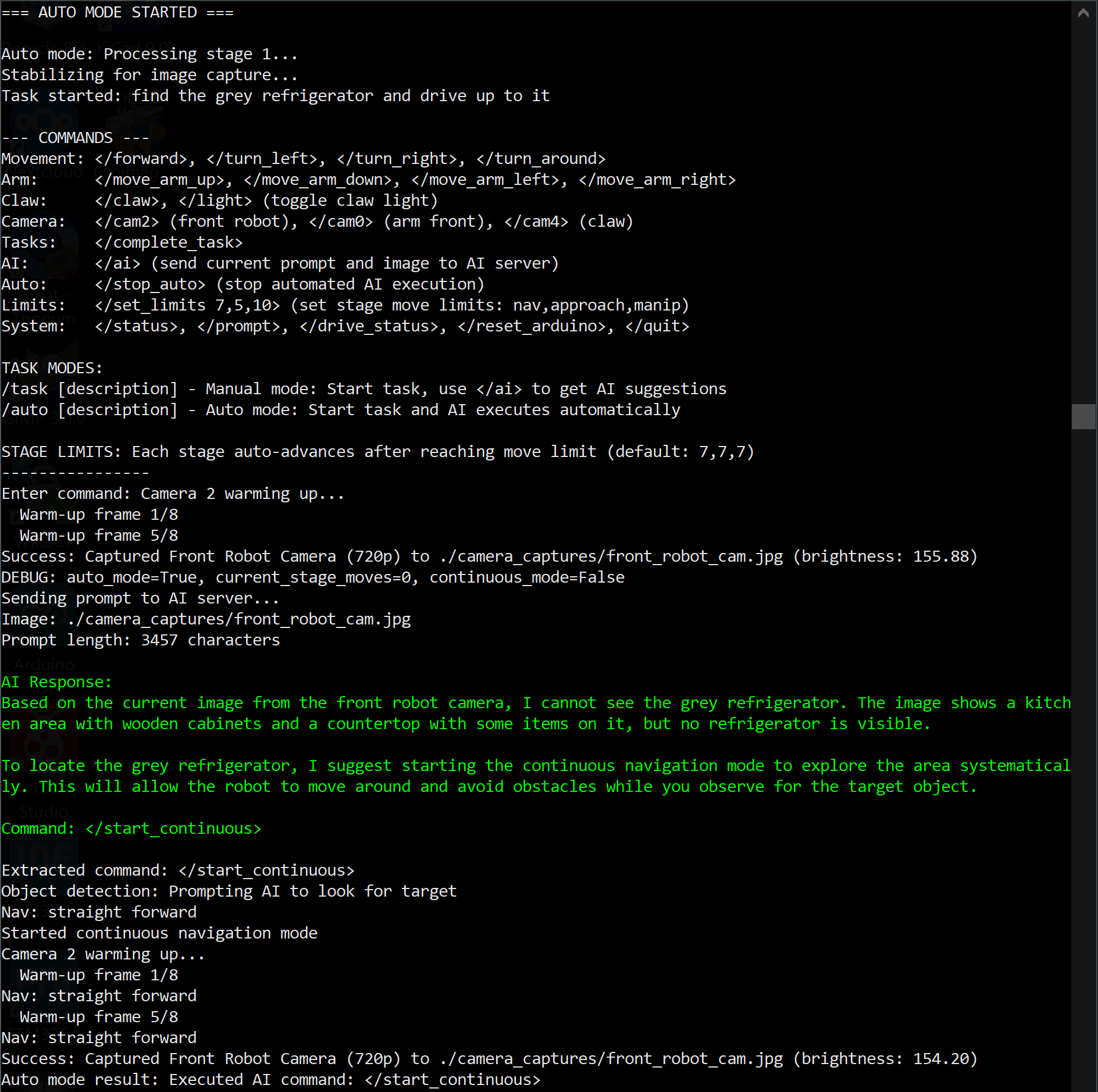
I thought it would be fun to put together a prompting system and ask an AI what action the robot should take. I figured out how to send an image alongside text to my AI server. I put together a simple text based command system that accepted commands like </forward> (shown above). I used the Mistral-small model for its instruction following and mutimodal capabilities. First tests looked promising but it was clear that the AI needed higher level commands. To help it out I split the tasks into multiple stages, navigation, approach, manipulation. The AI would always respond with the correct syntax but it would fixate on small details in the prompts like “center the object in the image” and wouldn’t move on the the next stage. I added stage limits and a history section to help with this and worked on the prompts more to actually get the AI to use </complete_task>. After this it was able to complete simple tasks like waving at a person (after some hilarious mistakes).
Leaving The Project Here
For now at least…
AI does best when it has very high level commands with specialized algorithms filling in the gaps. Eventually I used the lidar and bumpers for continuous navigation and would just prompt the AI to for higher level steer commands. It would constantly search for the target object and only had the option to </stop> when found. This would then advance to the finer approach stage. The navigation abilities of the robot were never convincing enough to move on to robot arm control (other then simple wave/claw commands) but I learned a lot that I can apply to my tile project. The tile will only have a single camera so it will need to make movements based on that input. The tile has no arm and weights nothing so the worry of it running into something is far less. Either way this was a fun experiment into AI controlled robots and I’m ready to improve these methods for the Tv3!